Make Three Shots Follow from One Another with a Free AI Music Video Generator—No Signup Required

A forest, a train, and a sunrise may share a color palette without sharing a story. For a short music visual, try a smaller event: a shutter opens and light reaches a plant. The first picture gives the change somewhere to happen; the second makes the change; the third lets the viewer see its result.
Write that event in one sentence before writing any scene prompts. It should contain something that changes, not only a mood. You can make an atmospheric sequence instead, but then you are making a different choice from a three-shot causal story.
Disclosure: This guide is published by MusicMaker and includes our own tool. The story is invented; scene illustrations are AI-created and storyboards are original drawings. No generated-video continuity test was performed.

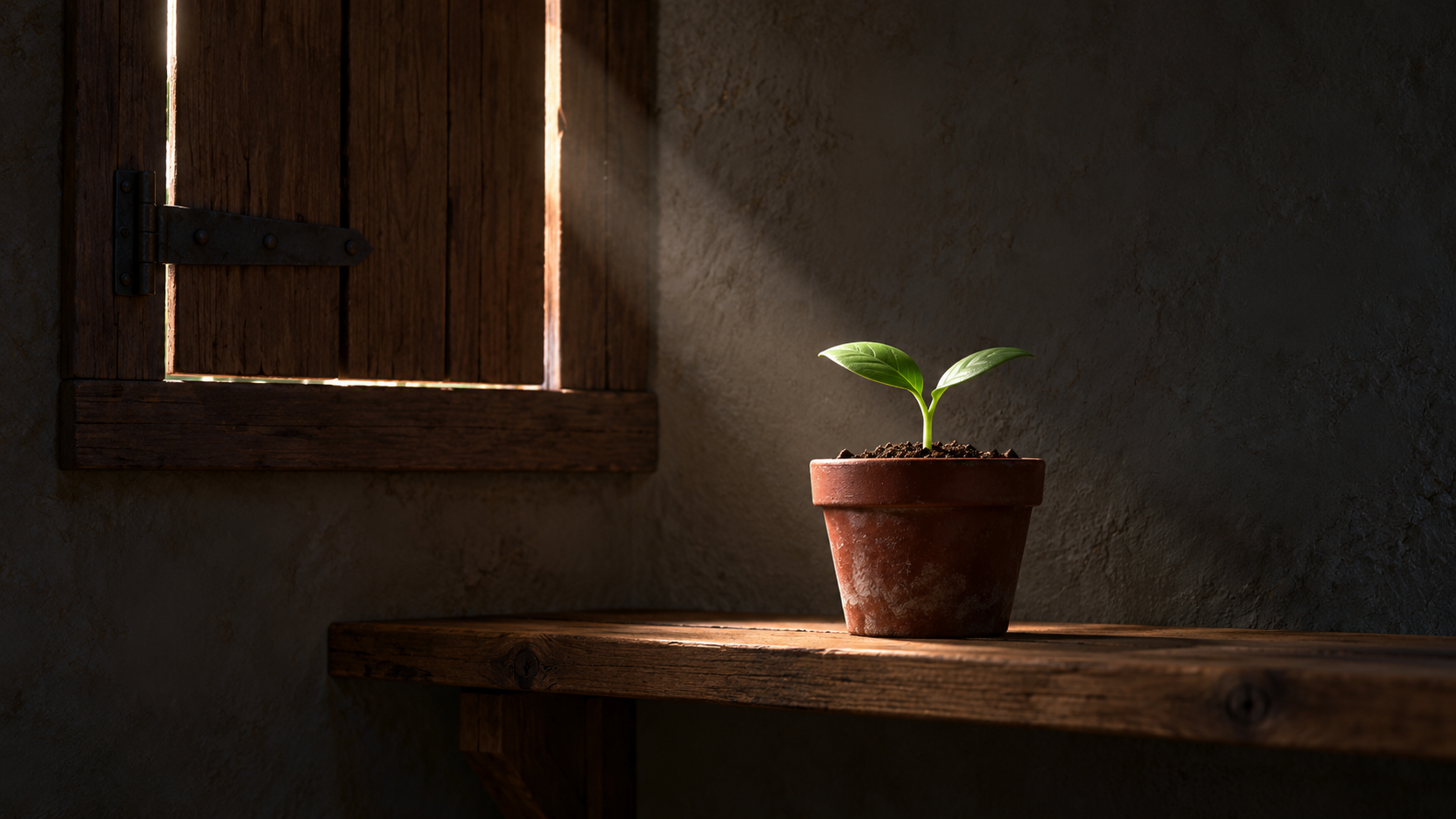
The invented story begins with a visible situation: a plant in a dim place and a shutter that could admit light. This AI-created illustration is not a generated-video test.
Give each shot one piece of the event
In this example, the event is “A shutter opens, letting light reach a seedling.” The result is illumination, not visible plant growth. Keeping that distinction prevents a simple story from requiring a transformation it does not need.
Shot | One narrative job | What the viewer needs to see |
|---|---|---|
Establish | Show the situation before the change | A small plant in a red clay pot, a dim room, and the closed or nearly closed shutter. |
Change | Show what causes the new condition | The shutter opens and admits light. |
Result | Make the consequence visible | Light falls on the plant in the same kind of room. |
The plant is a simple recognition cue, not a demand for a complex performer. Keep the red pot and wooden shutter as cues in your planning notes. Object-based storytelling reduces the amount of character detail you must manage, but it does not guarantee that different generations will reproduce an object exactly.
Check the links before you request clips
Draw the first and last important view of each shot. Ask two questions between them: What has changed? What tells the viewer that the next picture follows from the previous one?
Between the first and second shots, the shutter is the link. Keep its direction and the side of the room understandable. Between the second and third, the entering light is the link. Show it reaching the plant rather than cutting to an unrelated sunlit garden.
If the plant disappears from the middle close-up, that can still work: the shutter has already been established. If both the shutter and the light’s direction change without explanation, the viewer must reconstruct a different space. Simplify the framing before adding another plot point.

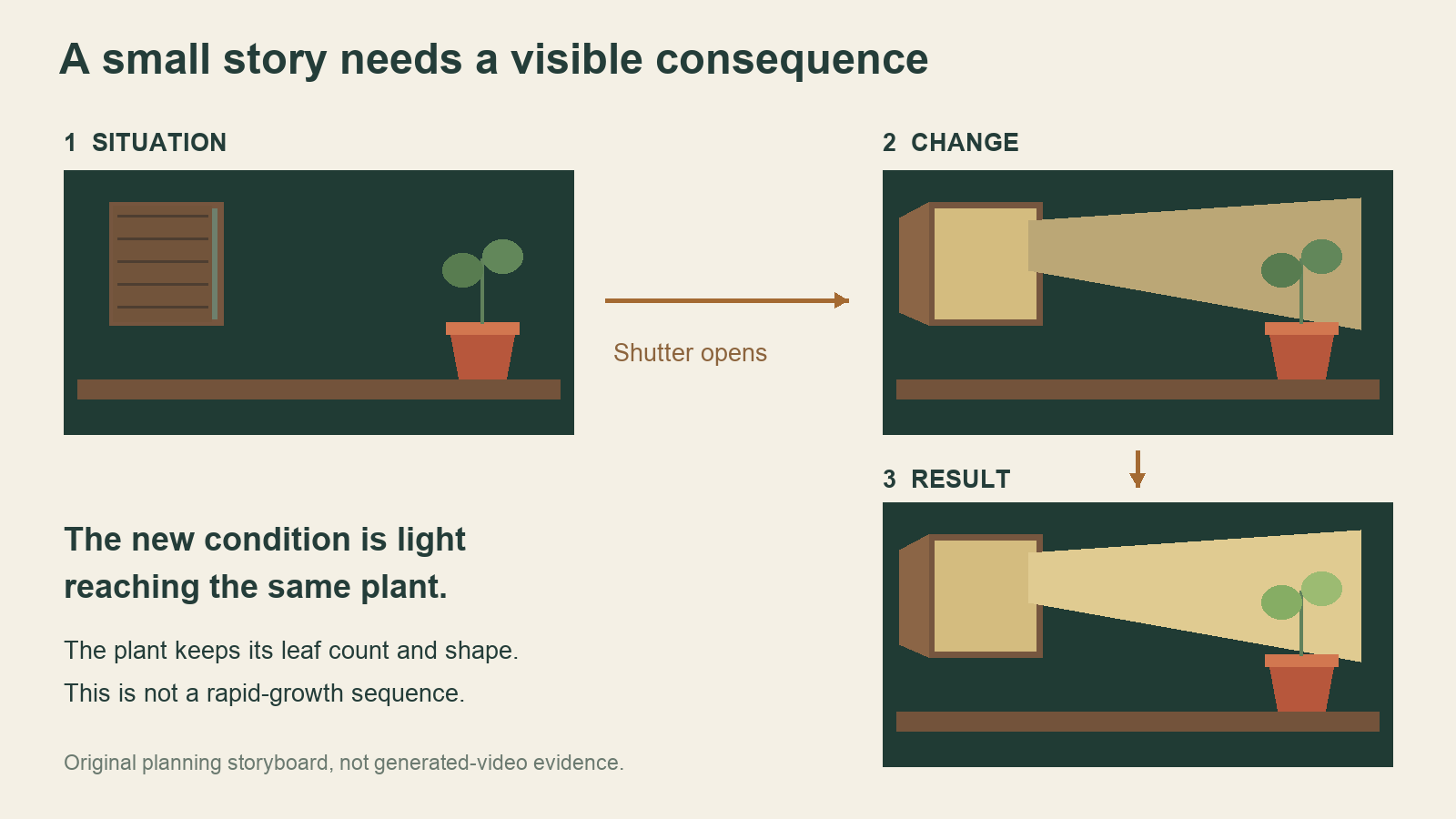
Situation, change, result. The light reaching the plant is the result; the story does not claim the plant grows within seconds.
Write three prompts, not one miniature movie
Keep a short shared note about the setting, then describe one action per request. For this invented example:
Establish
A quiet, dim room with a small seedling in a red clay pot on a wooden shelf beneath a nearly closed wooden shutter. Show both pot and shutter clearly. Fixed camera, very gentle leaf movement, no lettering.
Change
Close view of a wooden shutter in the same kind of dim room. It opens slowly to the left and a narrow band of warm daylight enters. Keep the camera still. No person or lettering.
Result
A small seedling in a red clay pot on a wooden shelf, now lit by a band of warm daylight from the left. Hold on the light reaching its leaves. No rapid growth, no transformation, no lettering.
These are instructions for candidates, not a record of successful outputs. For the individual scenes, MusicMaker free short music video generator describes five-second, 480p clips from text or paired opening and closing images, with a free entrance and no signup requirement. Submit requests one at a time, inspect them, and download the material you can use. If using images, prepare the pair for each intended scene rather than assuming a single cover supplies both ends.
The page’s unlimited-generation label is about count. It does not make three requests one coordinated sequence. The MiniMax H3 label likewise does not establish a reusable seed, identical props, or the same character across clips.
Let the cut carry only a connection the pictures support
Place the candidate clips in an editor before adding effects. Cut where the change is legible. The third shot should start with the new light already meaningful, not spend most of its time introducing another room.
If the pots or shutters differ too much, do not hide the problem under a dramatic transition and call it continuity. You can tighten the view, choose another candidate, use your own consistent frame references, or simplify to two shots. A coherent still-and-motion combination can be a better solution than three mismatched moving scenes.

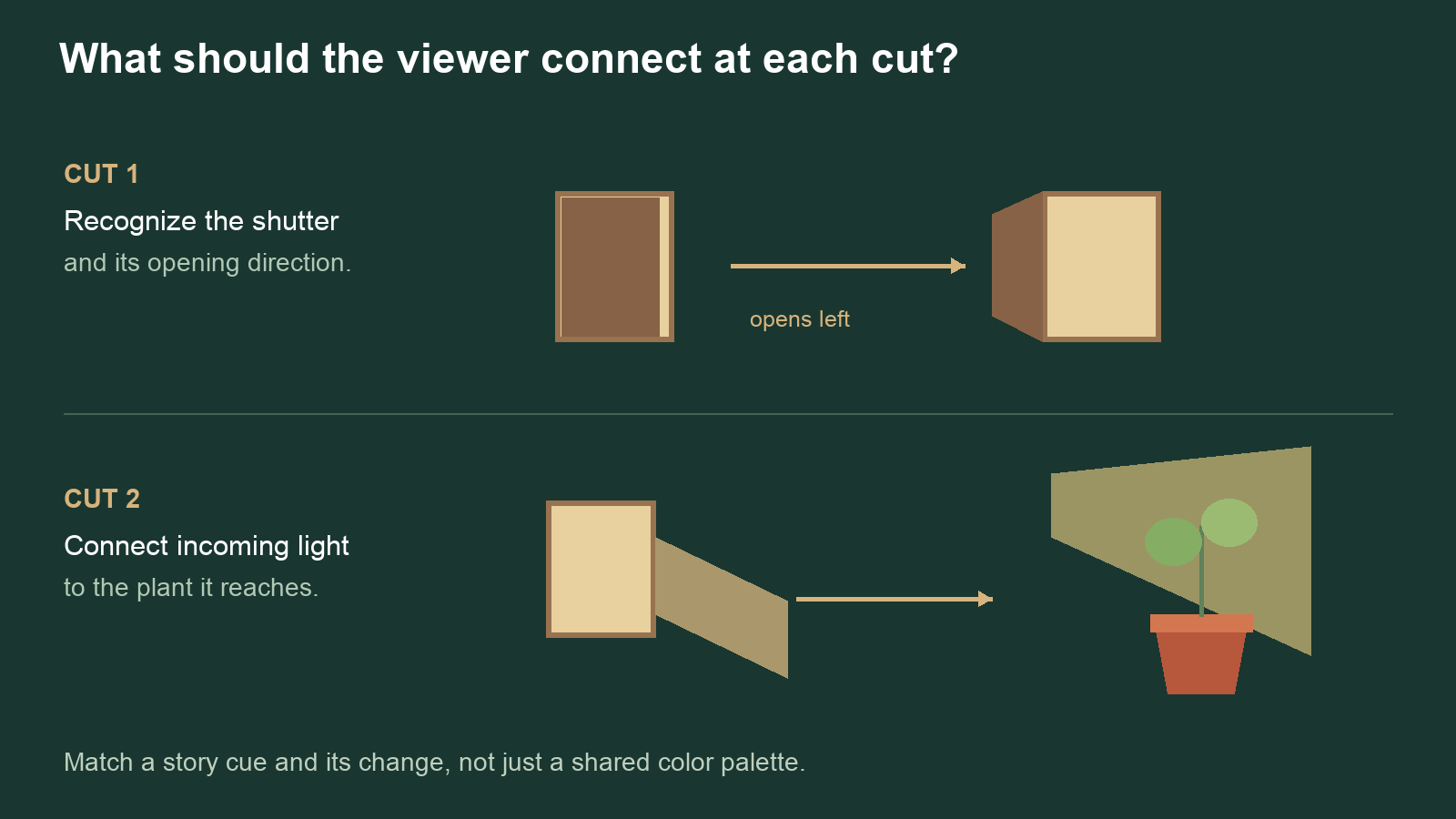
Check what each cut asks the viewer to connect. The storyboard is a planning tool, not evidence of continuity across generated clips.
Add the song after the event reads
Arrange the chosen song excerpt and the picture sequence together in the editor. Listen to where the musical phrase turns, then decide whether the shutter opening belongs near that point. This is your edit, not automatic song analysis by the scene generator.
Three five-second sources are material to edit, not a requirement to keep every second or a promise of a finished fifteen-second film. Check the actual duration after trimming and transitions. Add any necessary words separately; the viewer should not need generated lettering to understand this event.
Finally, describe your sequence in three clauses: “The plant is in shadow; the shutter opens; light reaches the plant.” If your edited pictures still support that sentence, each shot has a reason to be there. If they do not, repair the missing link before asking for more beautiful scenery.